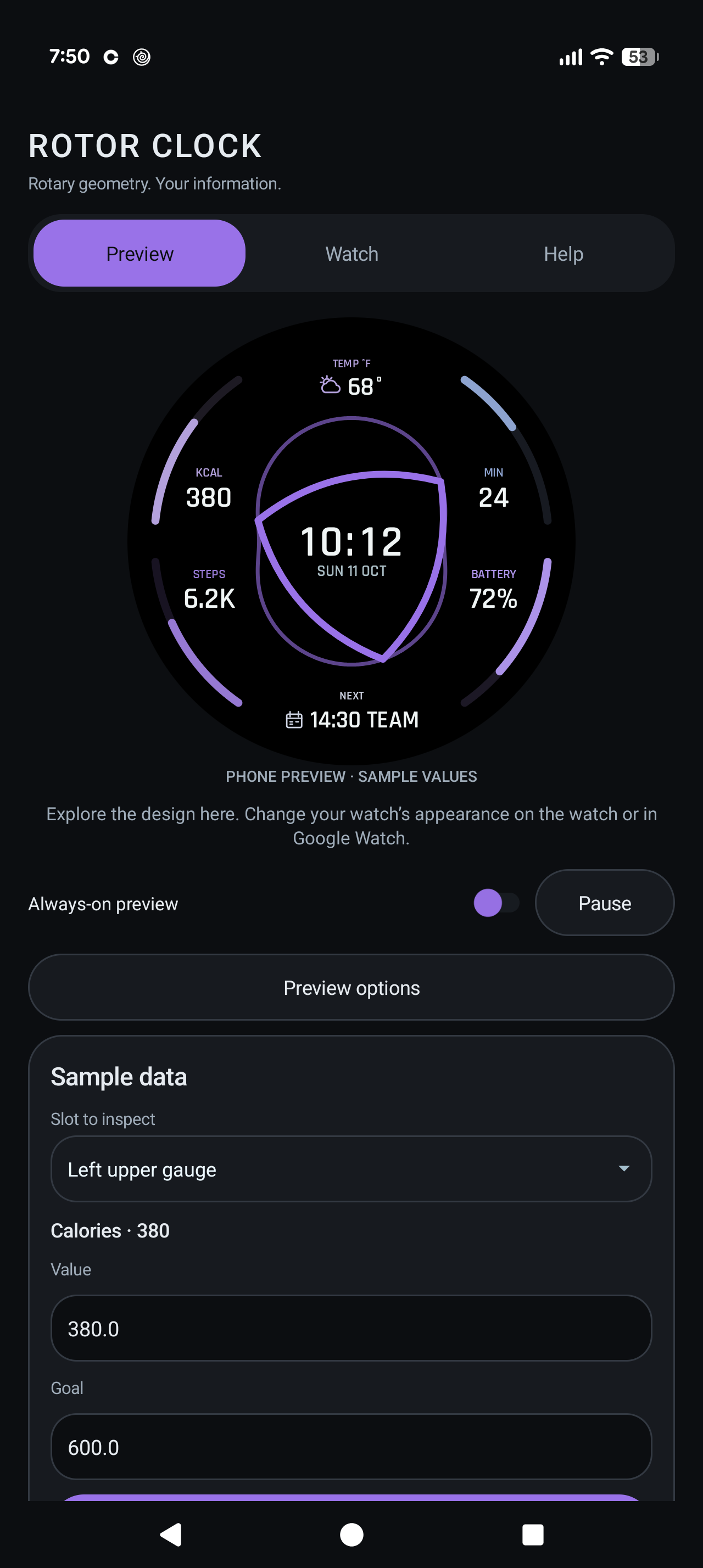
Rotor Clock: Rotary Watch Face · Wear OS · Android companion
Rotor Clock: Rotary Watch Face
A true-black AMOLED dial with crisp Wankel-inspired rotor contours, centered digital time and date, and the information you choose. The AMOLED update is available on Google Play. Next up: optional heart-rate-paced motion in 1.8.1.
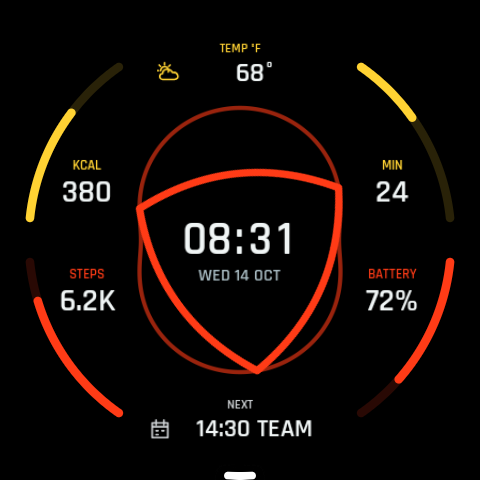
Motion with a pulse
Coming in 1.8.1: choose Heart-rate paced in the native Rotor motion settings. Speed adjusts gradually to the system heart-rate value while keeping the rotor’s position. If the reading is unavailable, normal time-driven motion resumes. Normal and Static remain available.
18 color themes
From Midnight Purple and Cobalt to Red & Yellow, Titanium and Ember. Pick a palette in your watch’s native face editor or supported watch-management app.
Six slots. Your choice.
Assign six positions independently or leave them empty. Four side positions support provider-supplied progress; two information positions show text, readings or icons without gauges. Available data and goals depend on compatible installed providers.
A quieter always-on view
The AMOLED release keeps dim time, date and a static rotor contour. In the 1.8.1 update, always-on becomes simpler still: dim time and date only. Complications and progress gauges stay hidden.
THE OFFICIAL FILM
Rotary motion. In full color.
Watch Rotor Clock move through all 18 AMOLED themes in the official promo. The film uses rendered previews and demonstration data.
Watch on YouTube ↗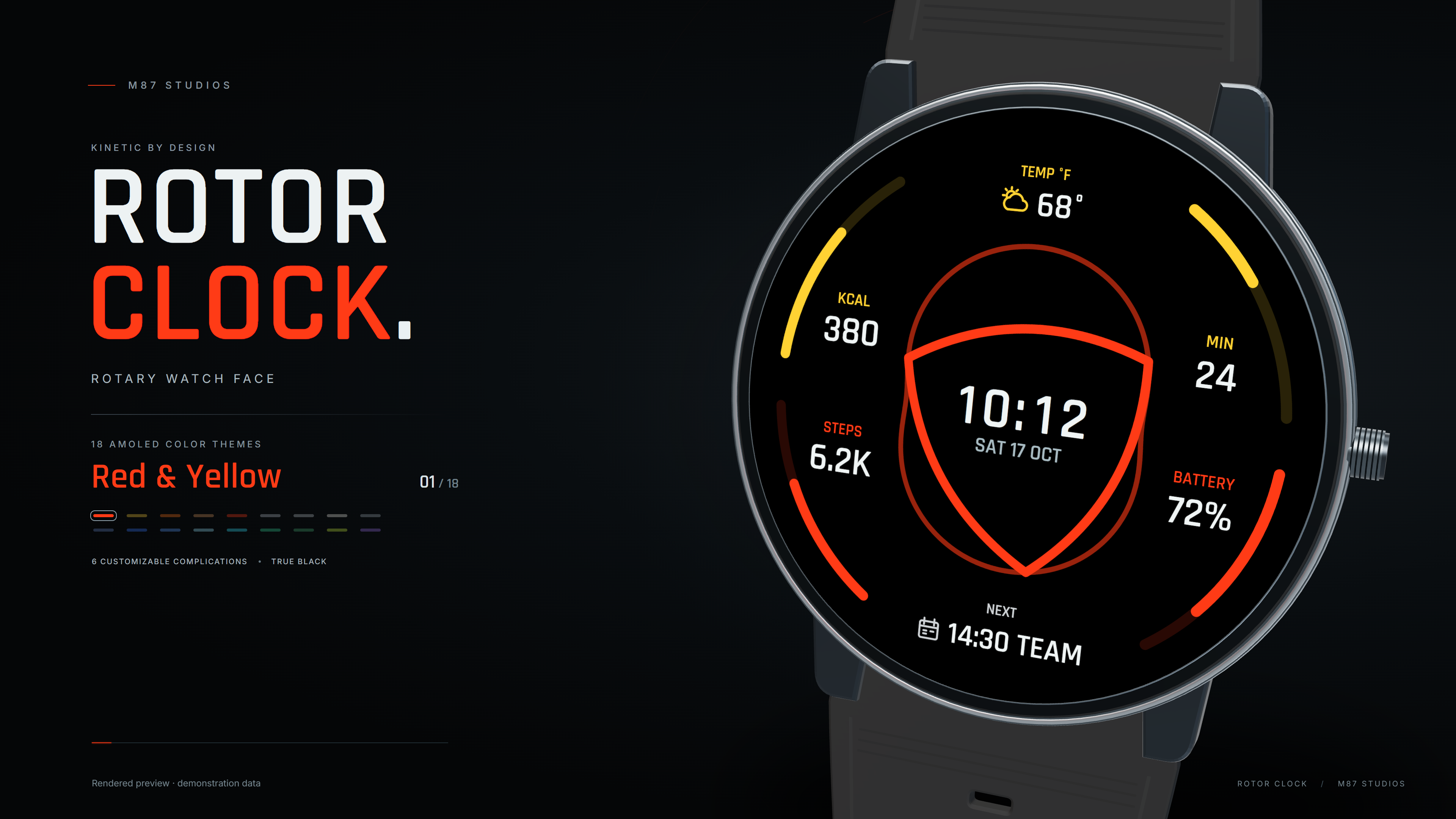 Watch the promo
18 COLOR THEMES
Explore every palette.
Preview · Sample data. Choose a theme in your watch’s native editor. Open any card for a larger preview.
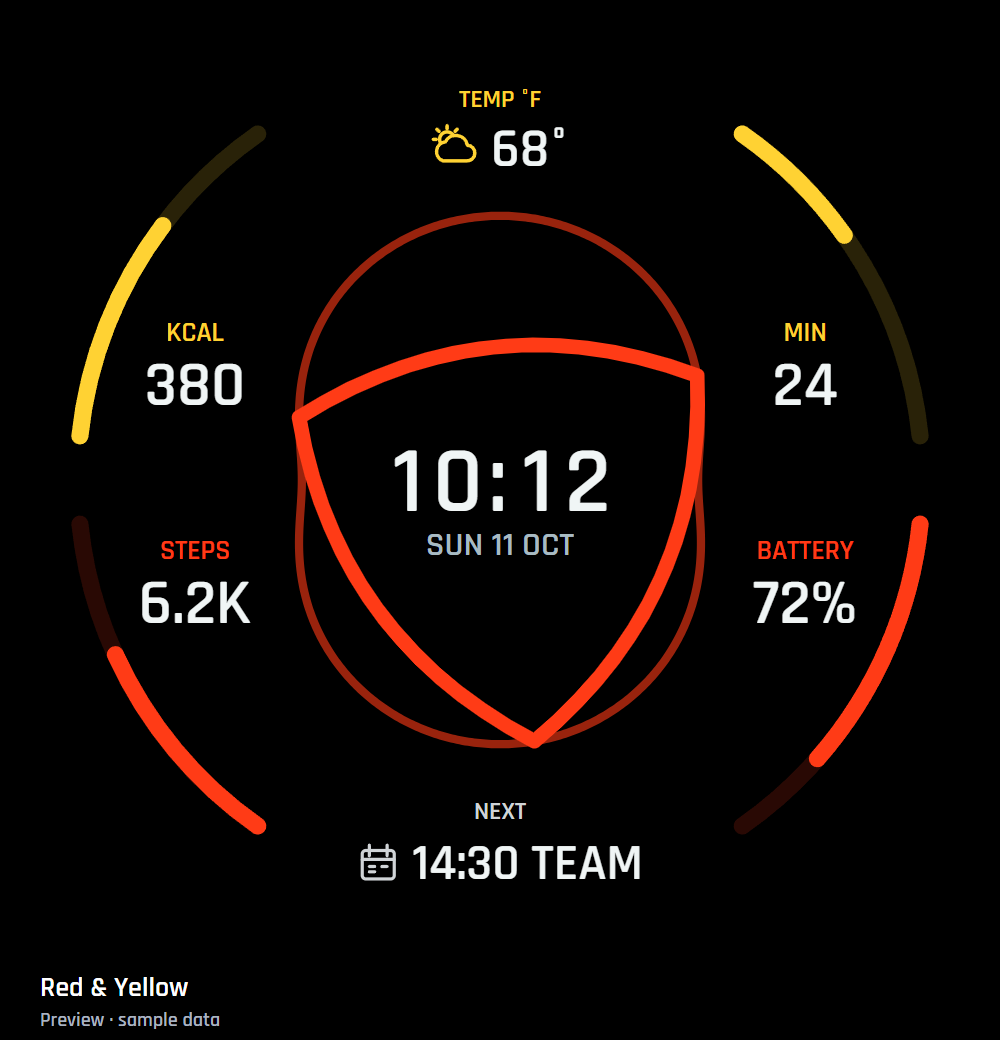 Red & YellowPreview · Sample data ↗
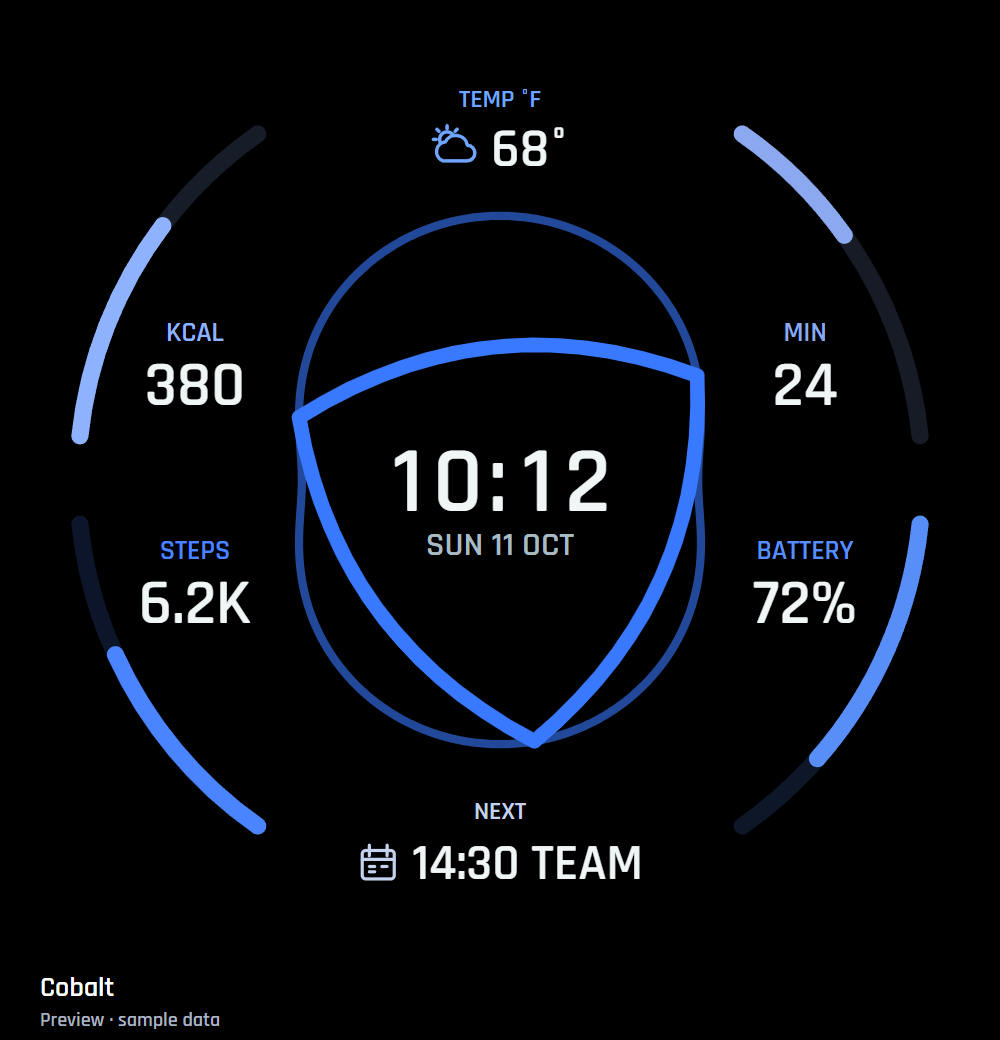 CobaltPreview · Sample data ↗
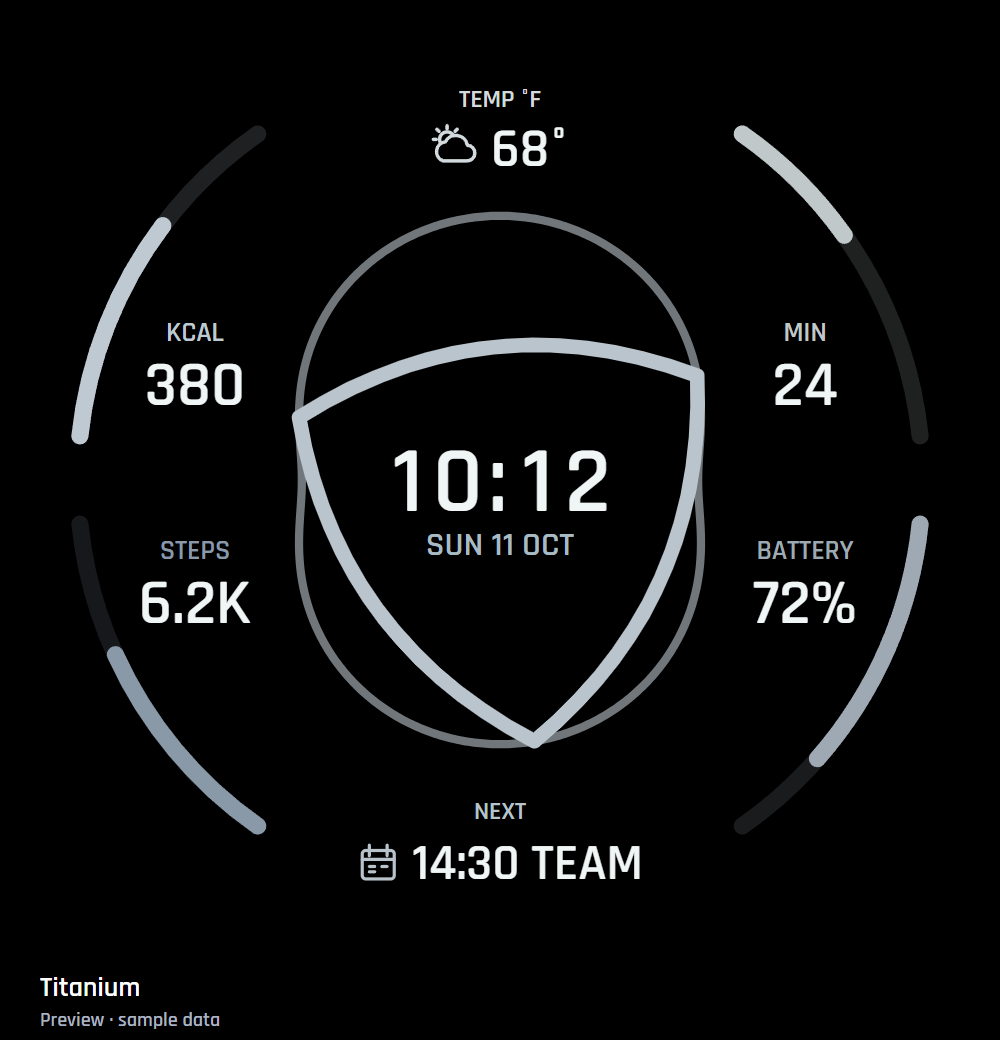 TitaniumPreview · Sample data ↗
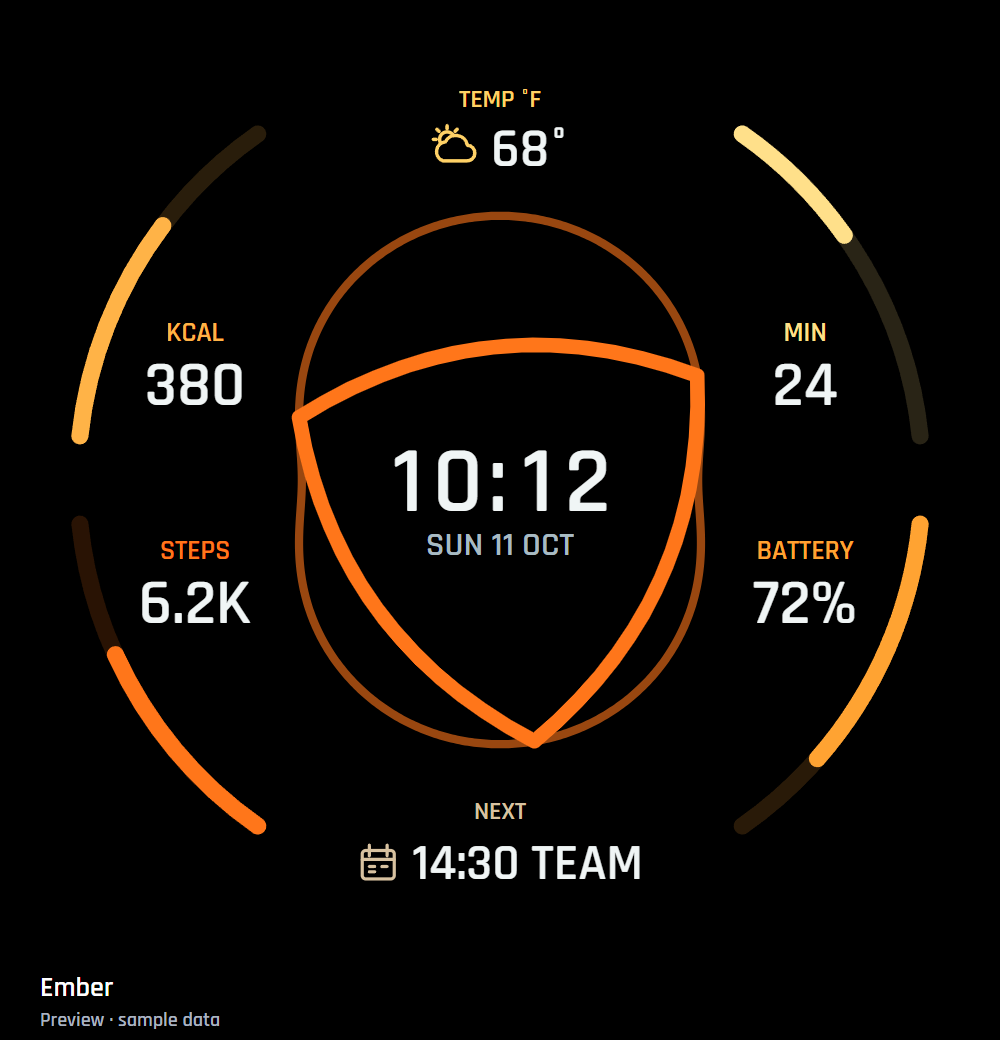 EmberPreview · Sample data ↗
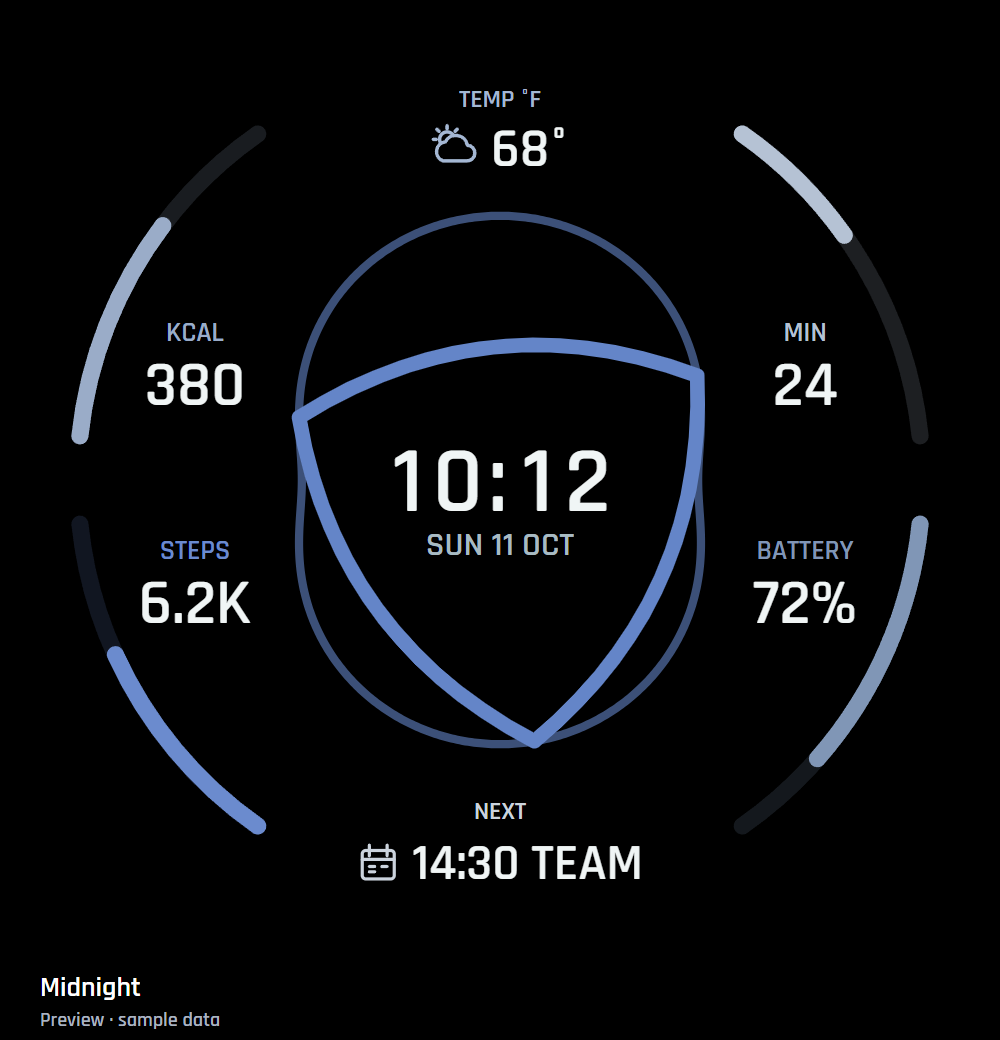 MidnightPreview · Sample data ↗
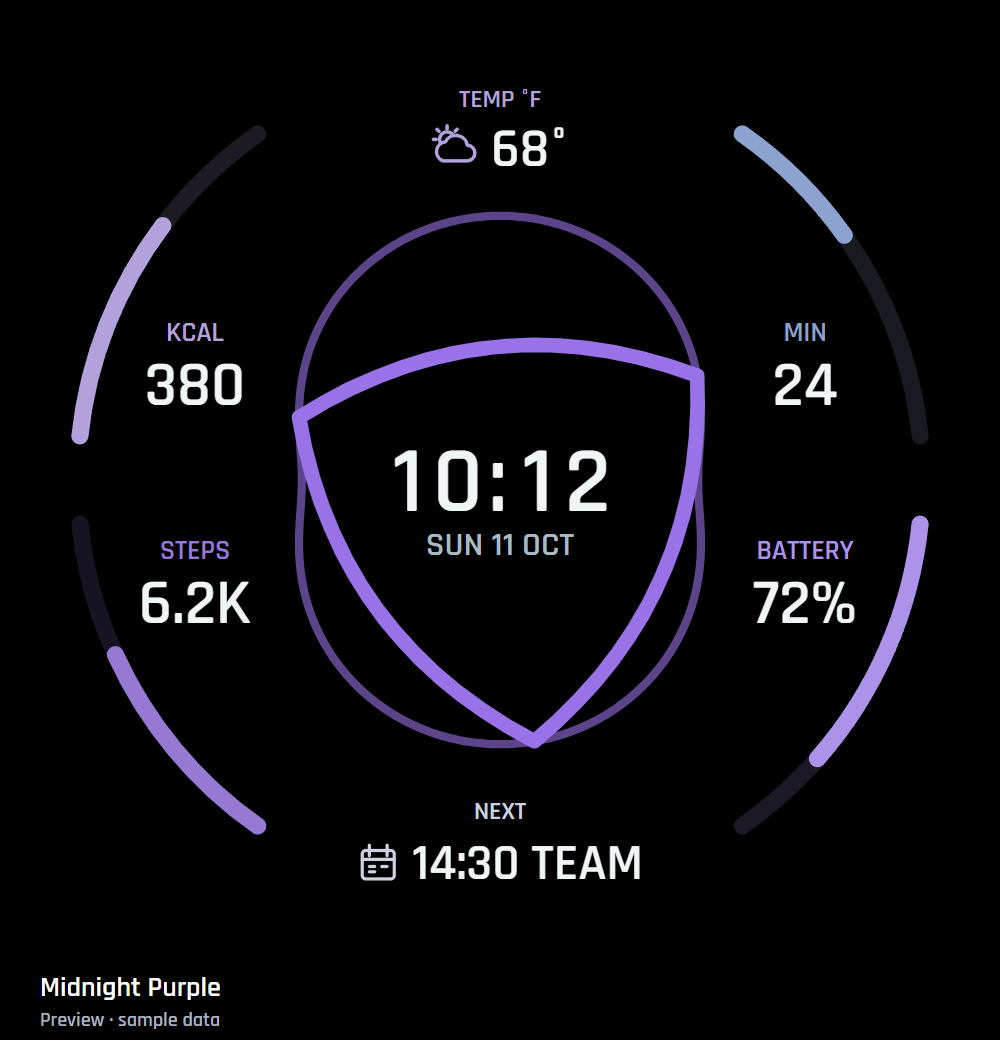 Midnight PurplePreview · Sample data ↗
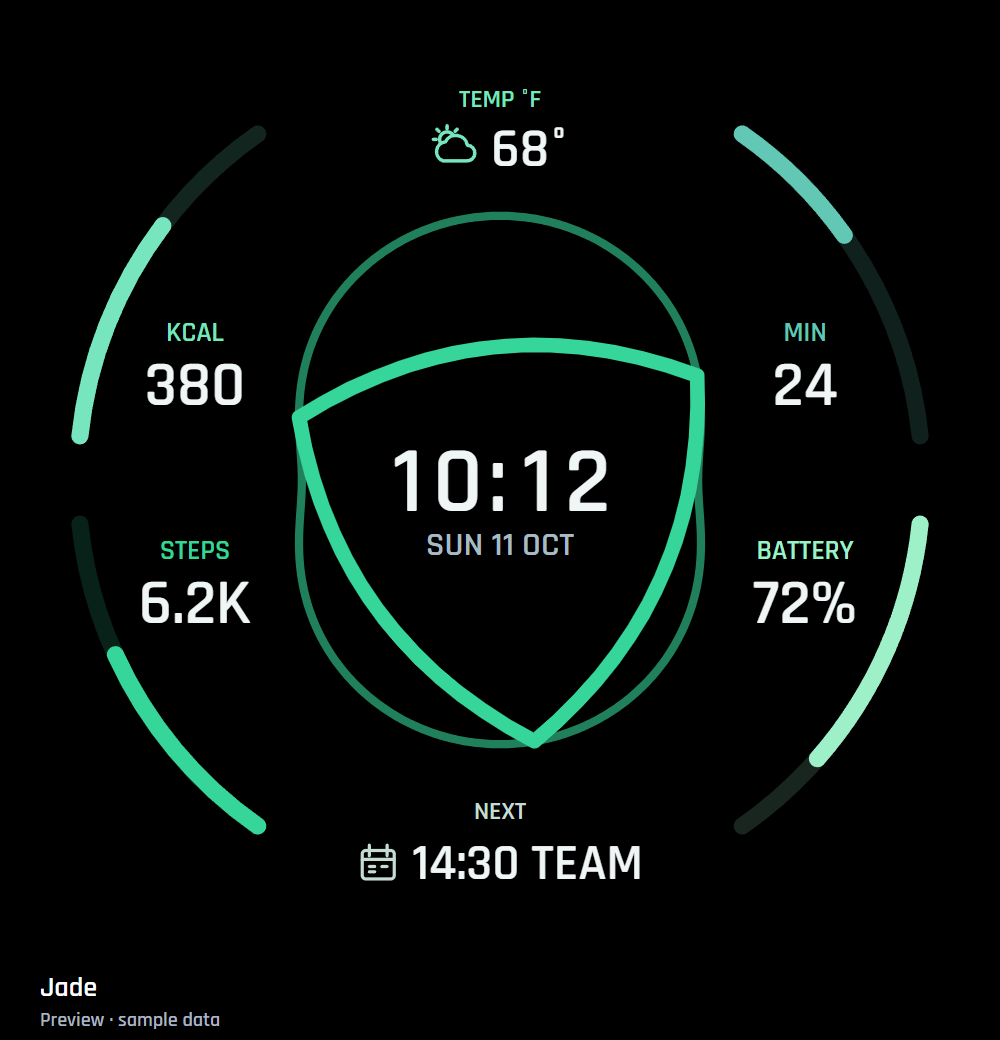 JadePreview · Sample data ↗
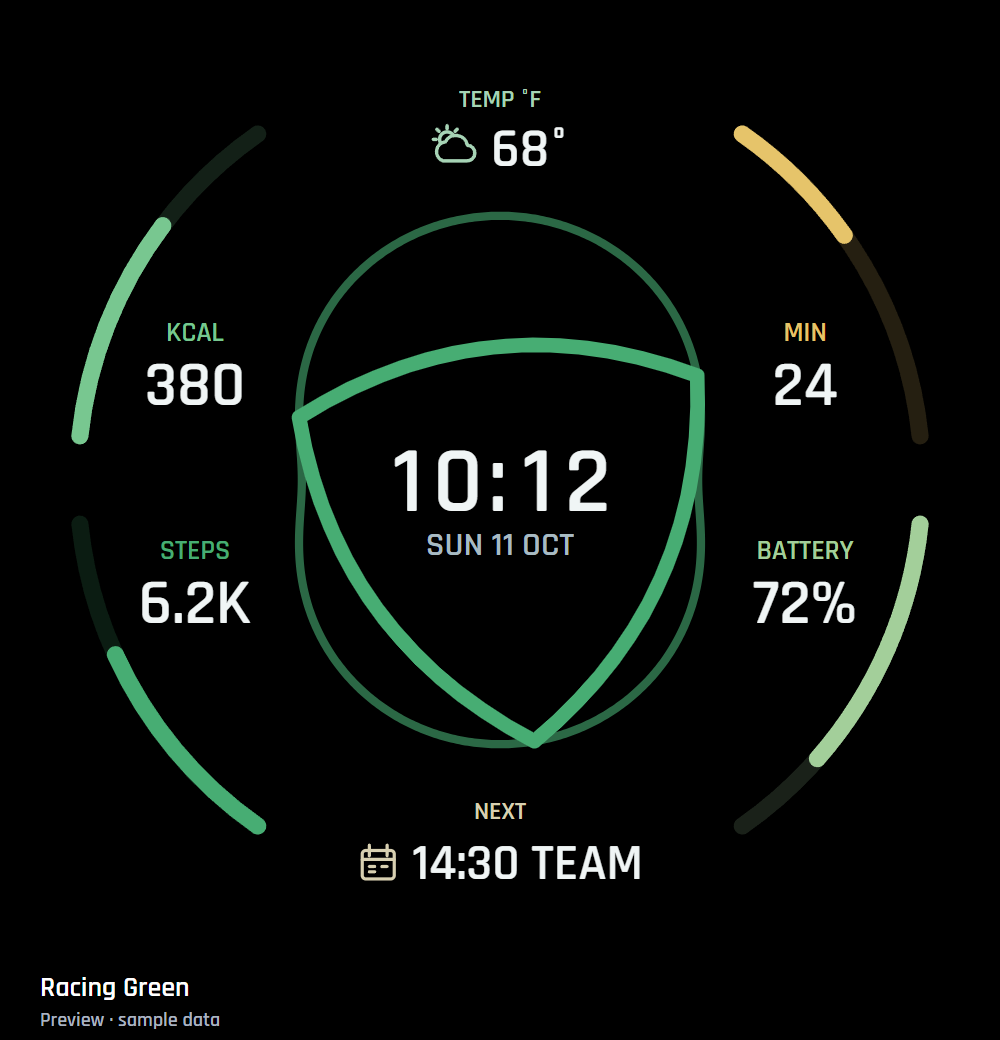 Racing GreenPreview · Sample data ↗
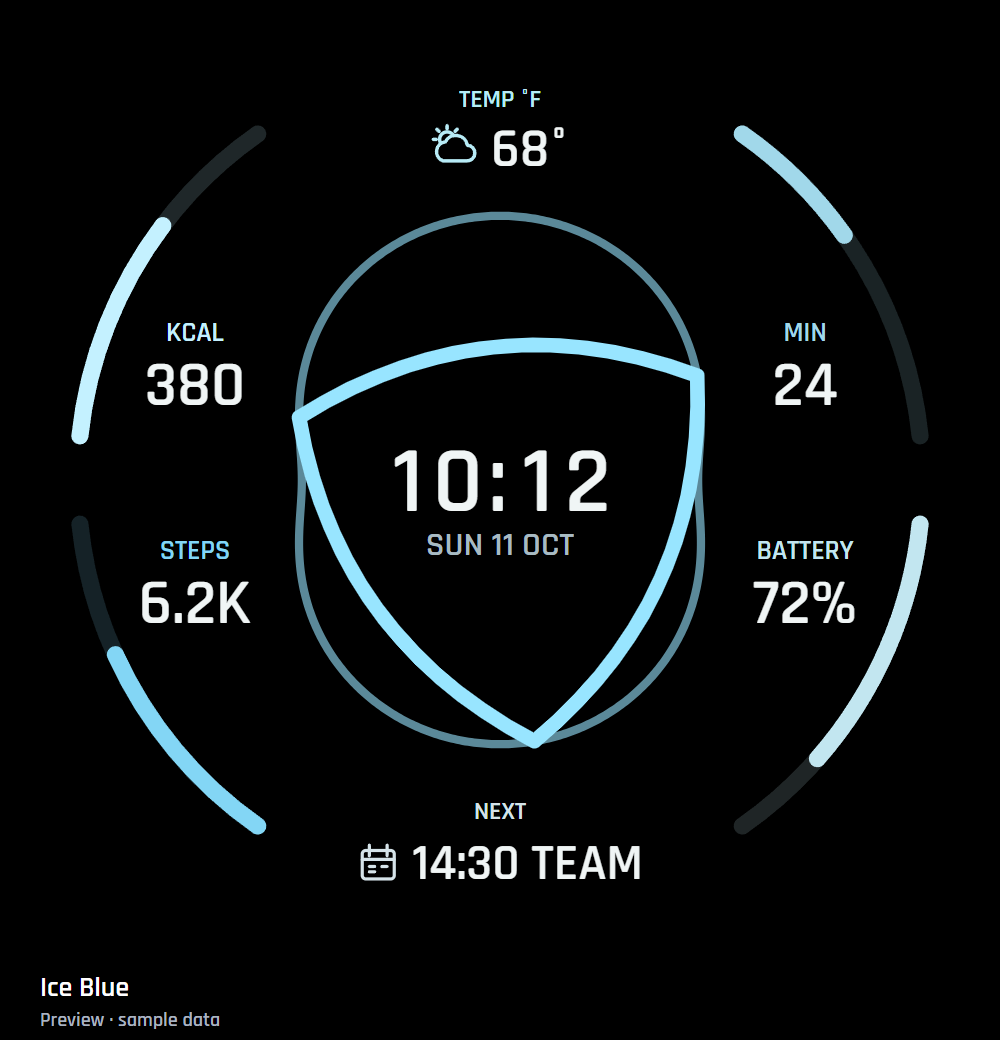 Ice BluePreview · Sample data ↗
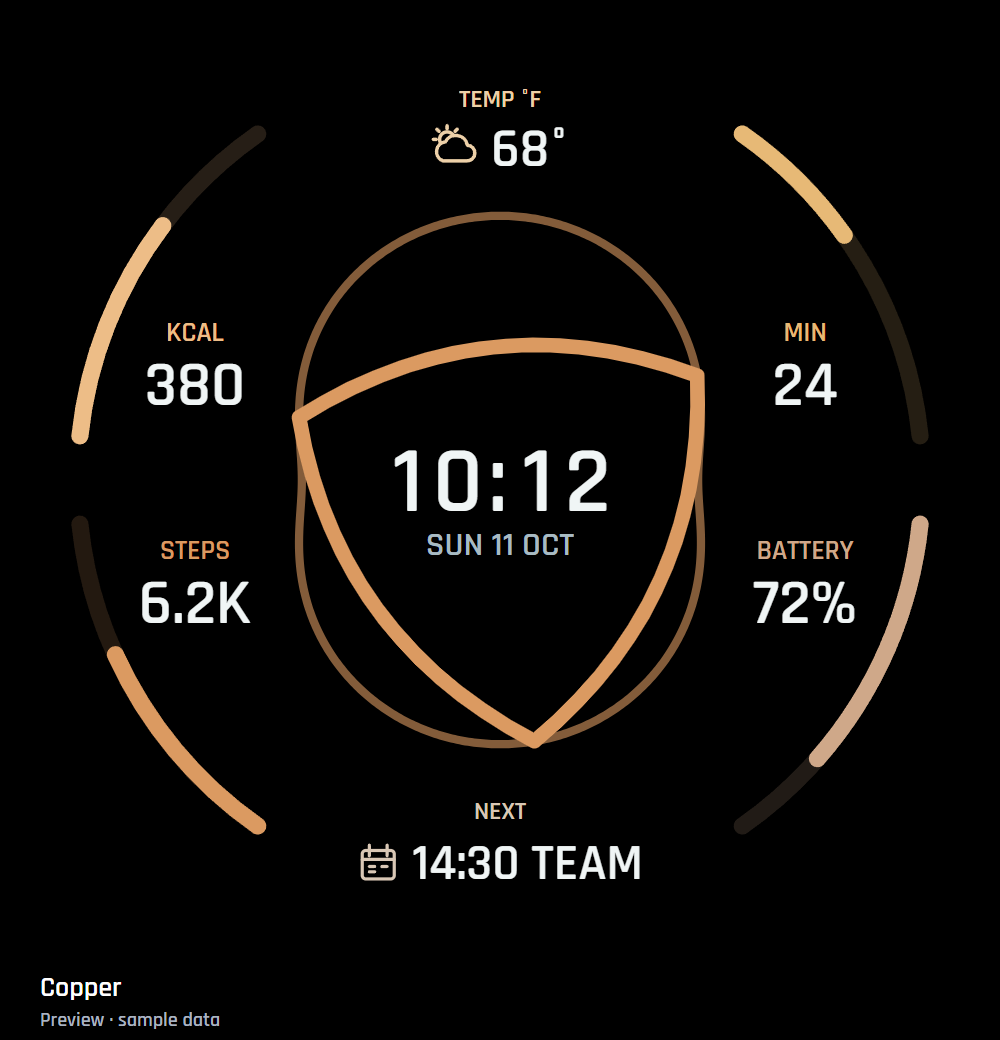 CopperPreview · Sample data ↗
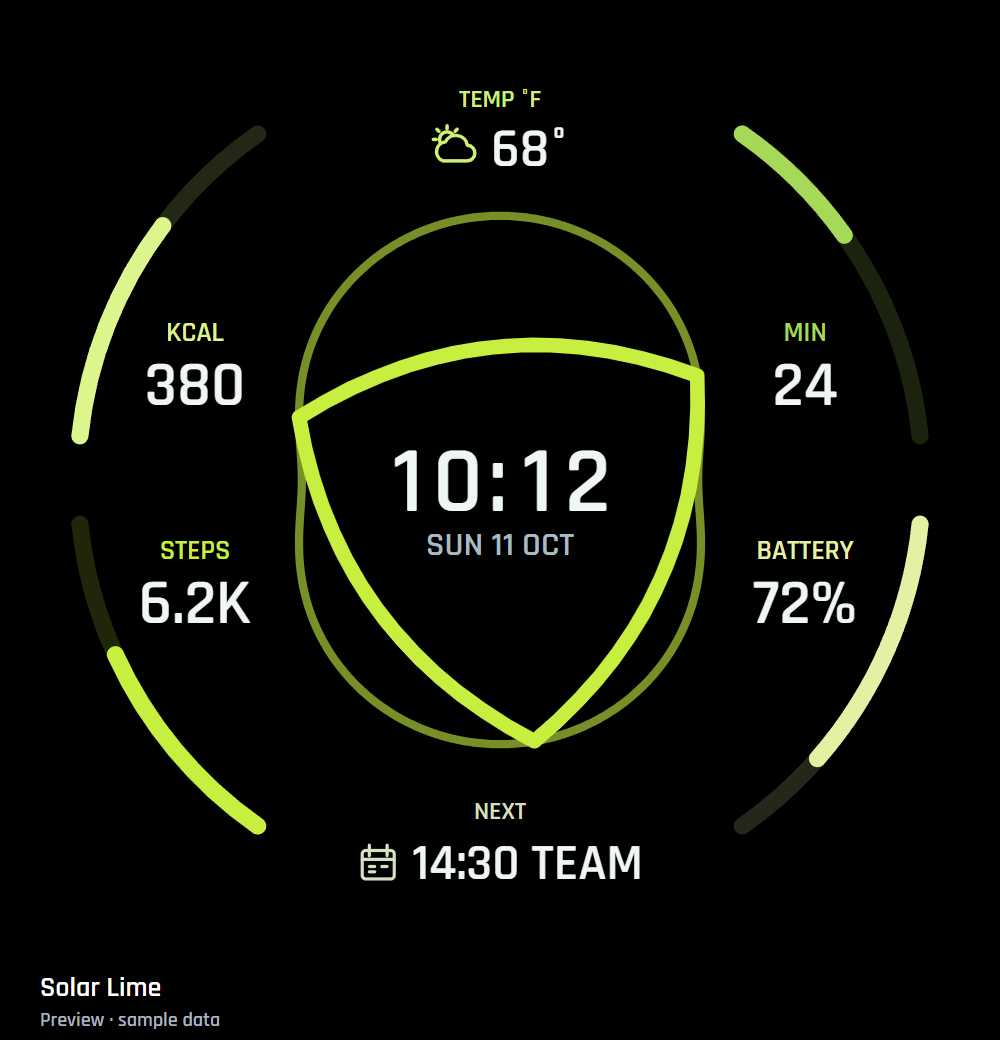 Solar LimePreview · Sample data ↗
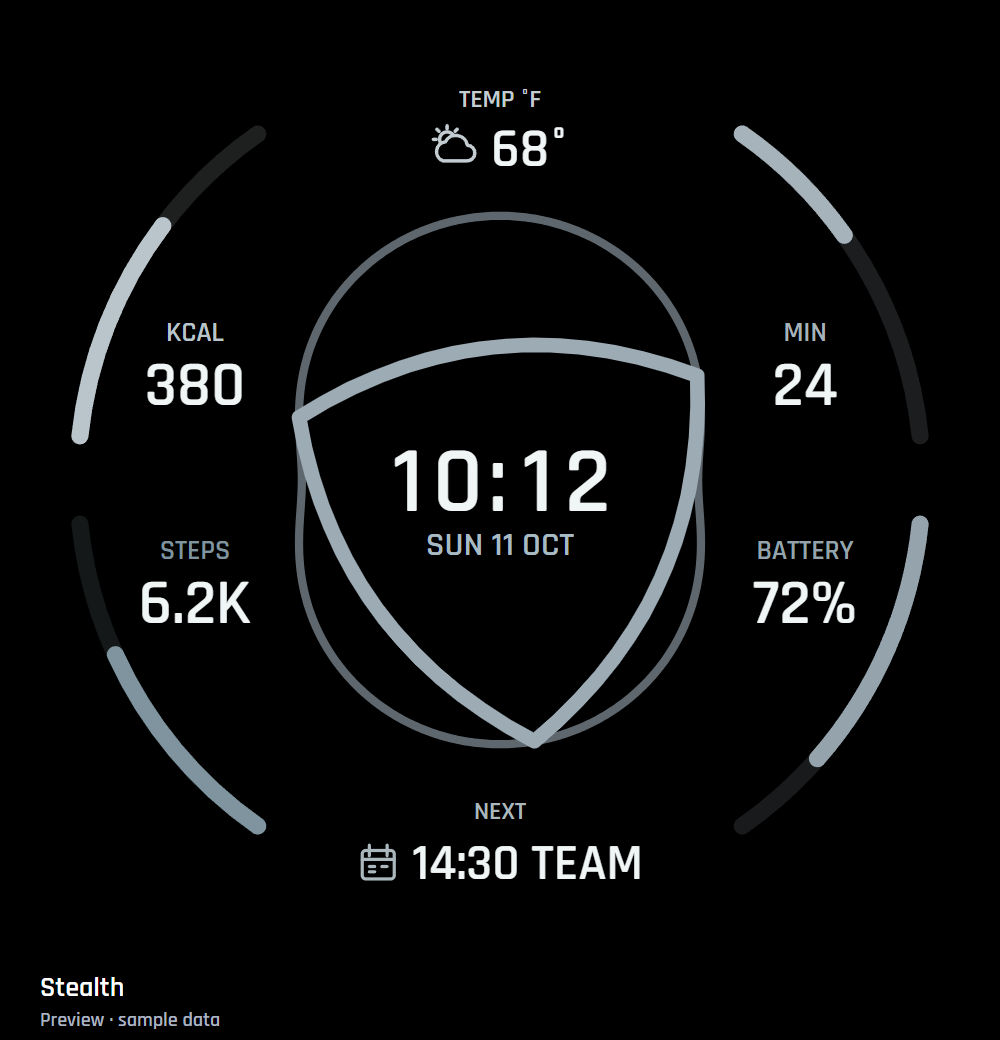 StealthPreview · Sample data ↗
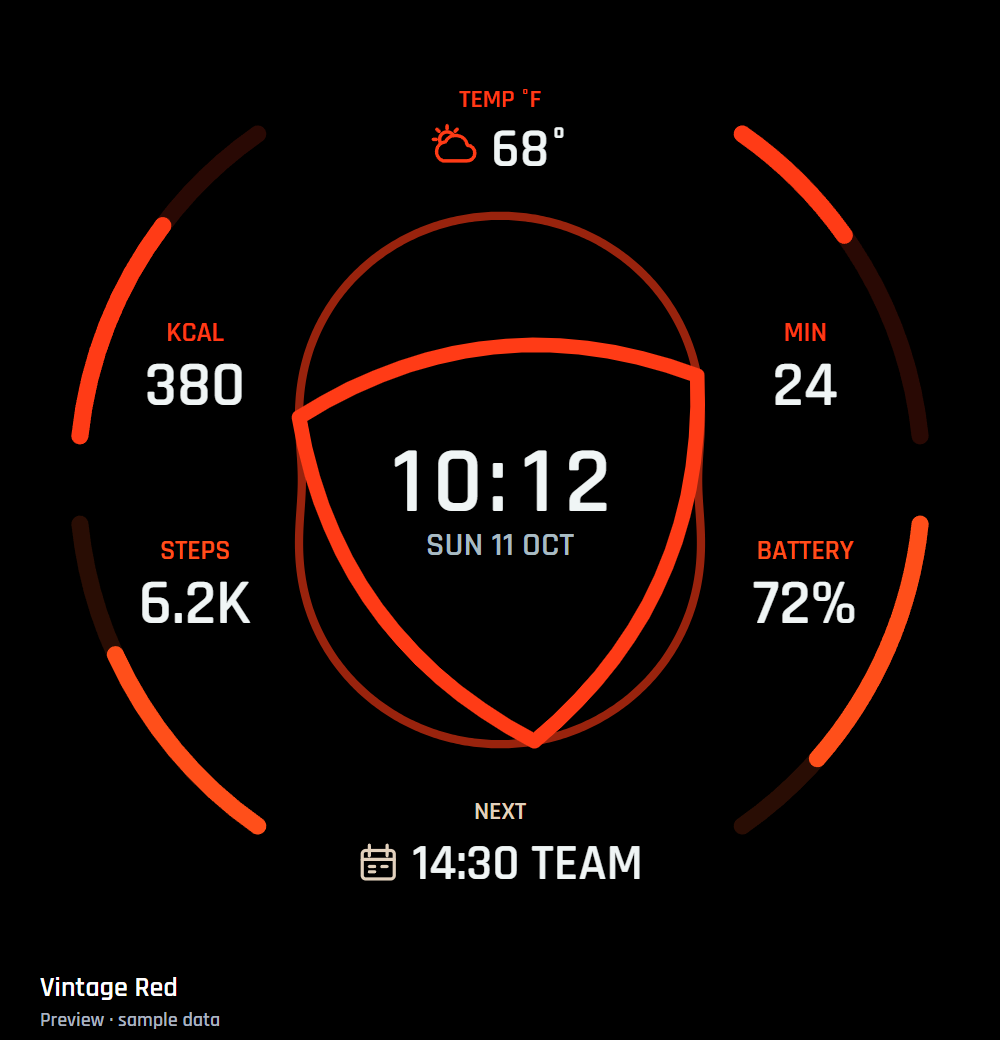 Vintage RedPreview · Sample data ↗
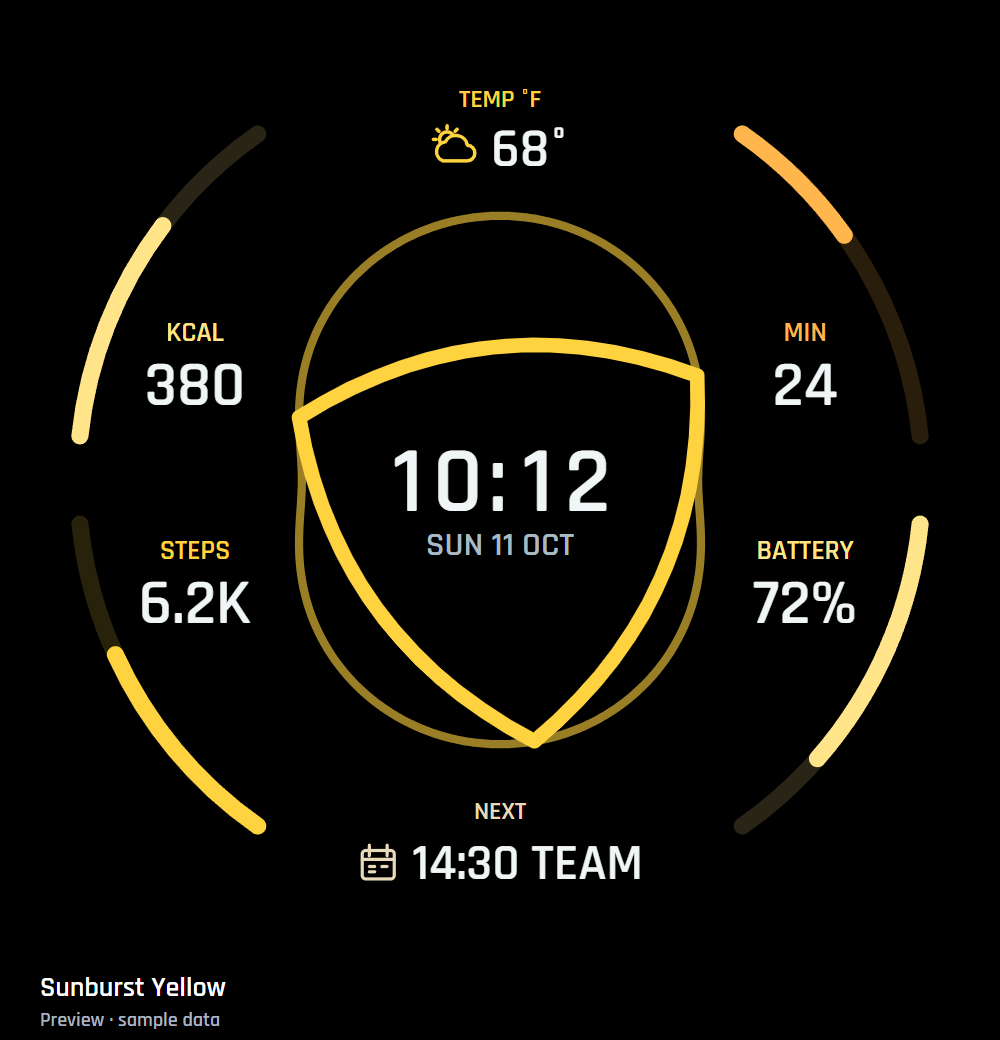 Sunburst YellowPreview · Sample data ↗
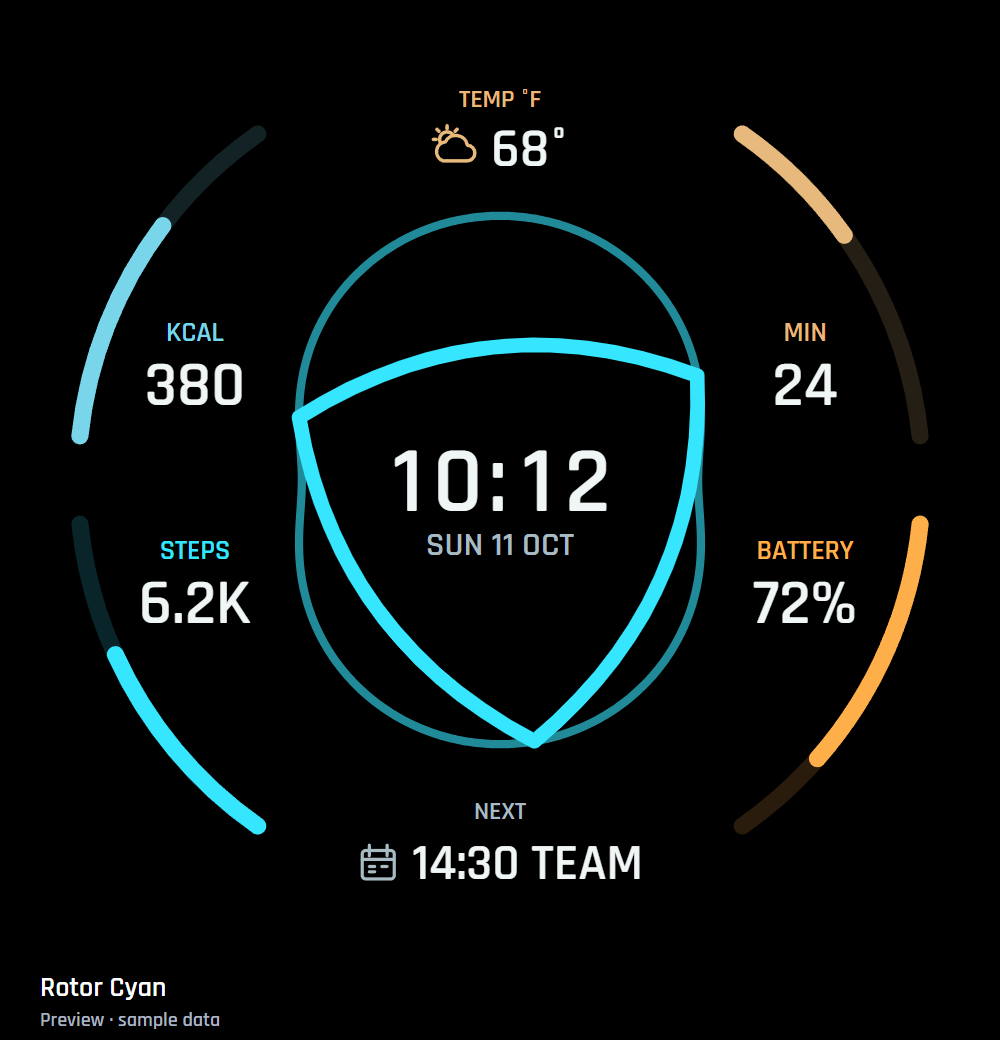 Rotor CyanPreview · Sample data ↗
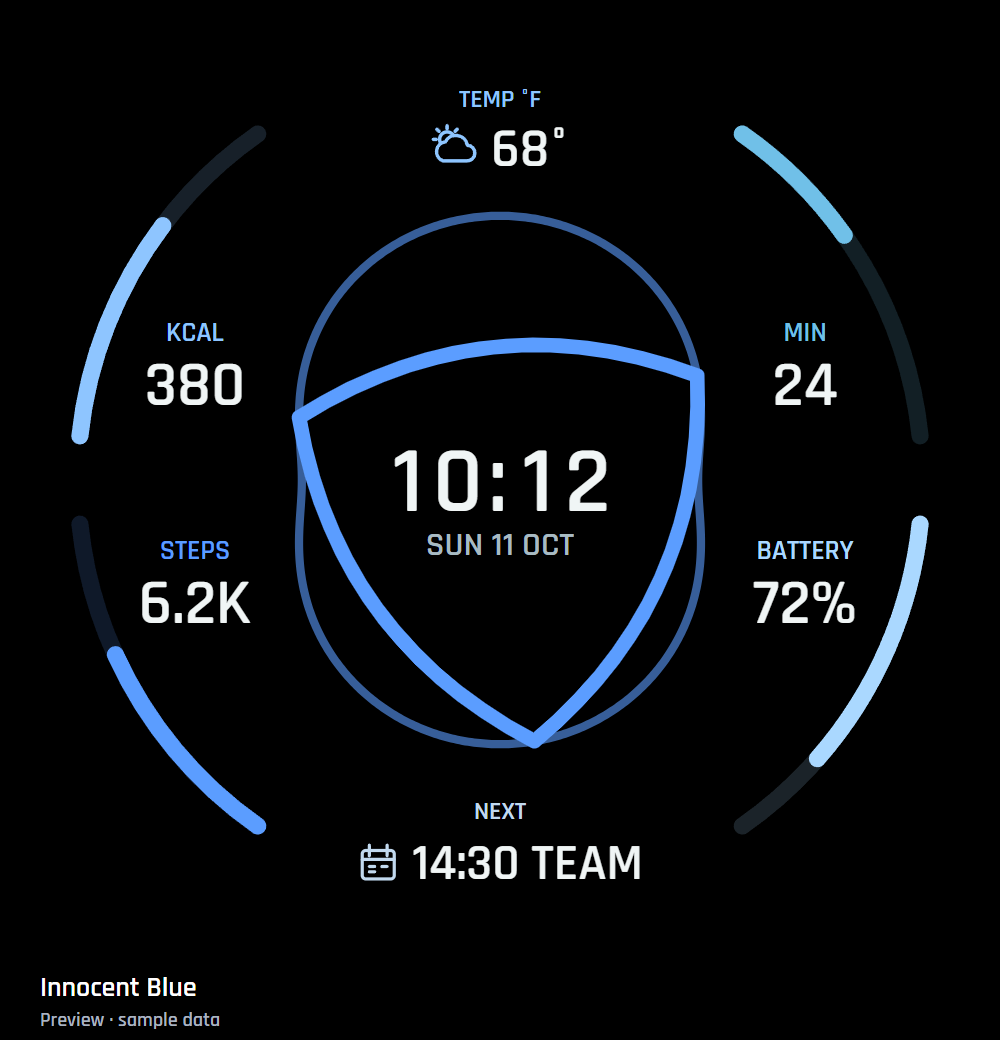 Innocent BluePreview · Sample data ↗
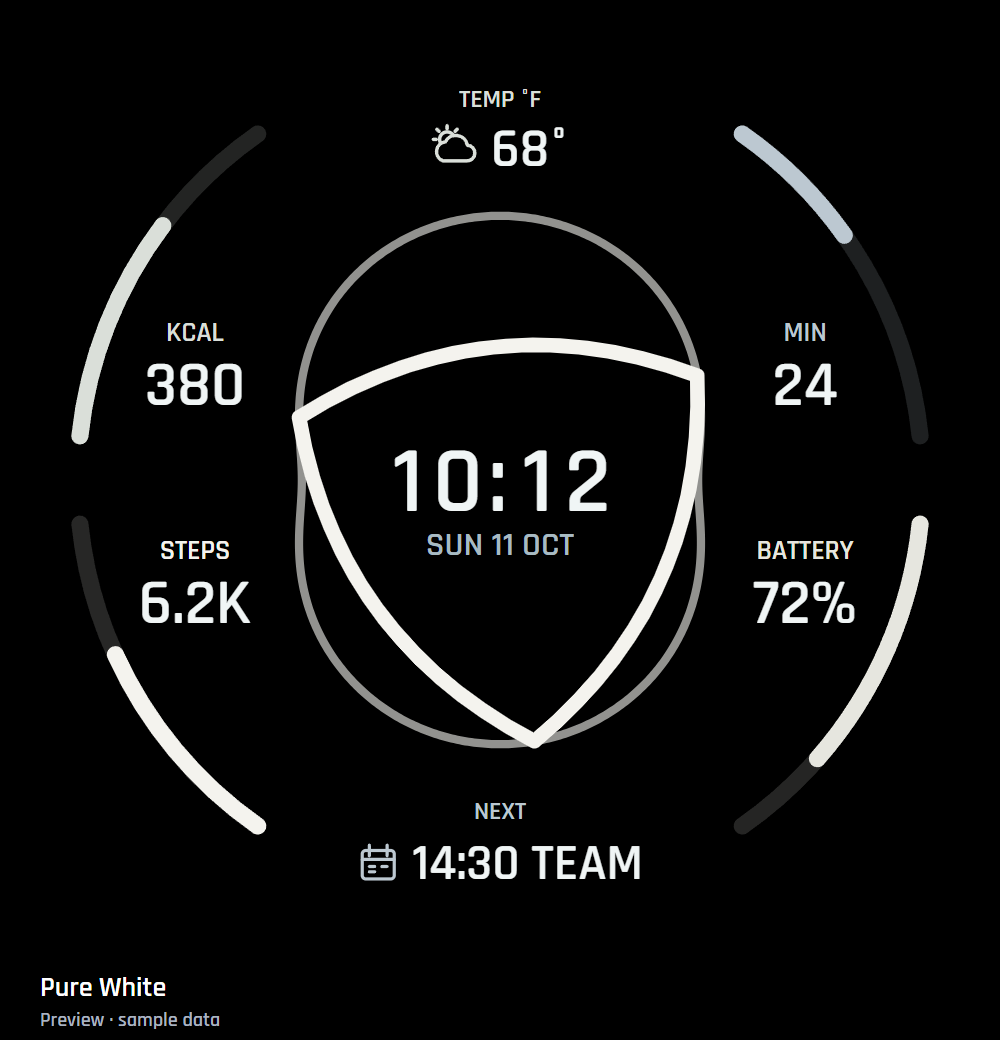 Pure WhitePreview · Sample data ↗
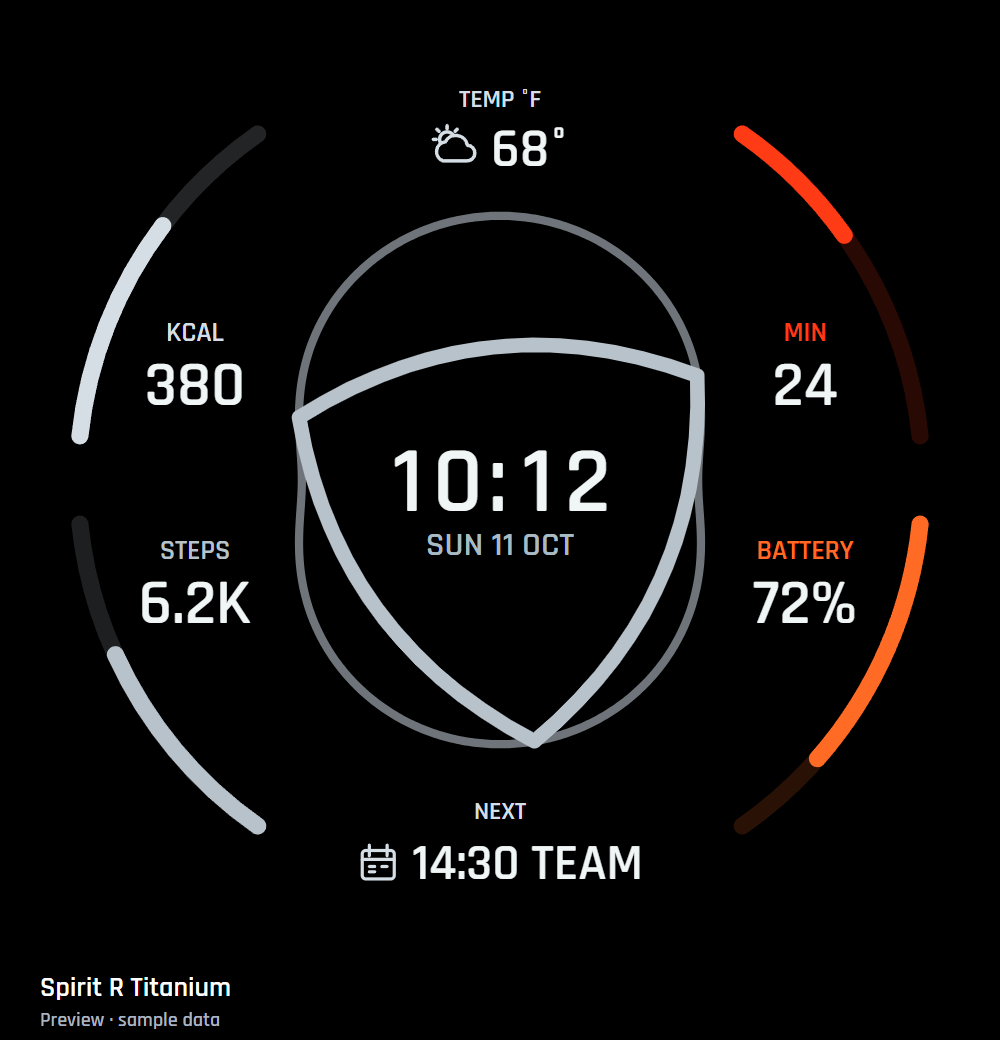 Spirit R TitaniumPreview · Sample data ↗
EXPLORE ON YOUR PHONE
Preview it.
Make it yours.
Explore themes, six sample source assignments, time-driven motion and always-on appearance before you wear the face. The phone preview works without a connected watch. Choose Heart-rate paced on the real watch after updating to 1.8.1.
Phone preview choices stay on the phone. Choose the real face’s appearance and installed data providers on your watch or in its supported watch-management app.